How to watch Telegram on your TV
Telegram doesn't have an official app for Android TV. Here's how to watch the videos and live streams from your Telegram channels and chats on the big screen, using your TV remote, in about a minute.
What you need
- An Android TV or Google TV device running Android 8.0 or newer: a smart TV (Sony, TCL, Hisense, Philips and others), Chromecast with Google TV, Google TV Streamer, Xiaomi Mi Box, Nvidia Shield or another Android TV box.
- Your phone with Telegram installed and signed in.
Step 1: Install TeleV on your TV
On the TV, open the Google Play Store, search for TeleV and press Install.
Or, from your phone or computer, open the TeleV page on Google Play, choose your TV from the device list and install it remotely. The app appears on the TV a minute later.
Step 2: Sign in with a QR code
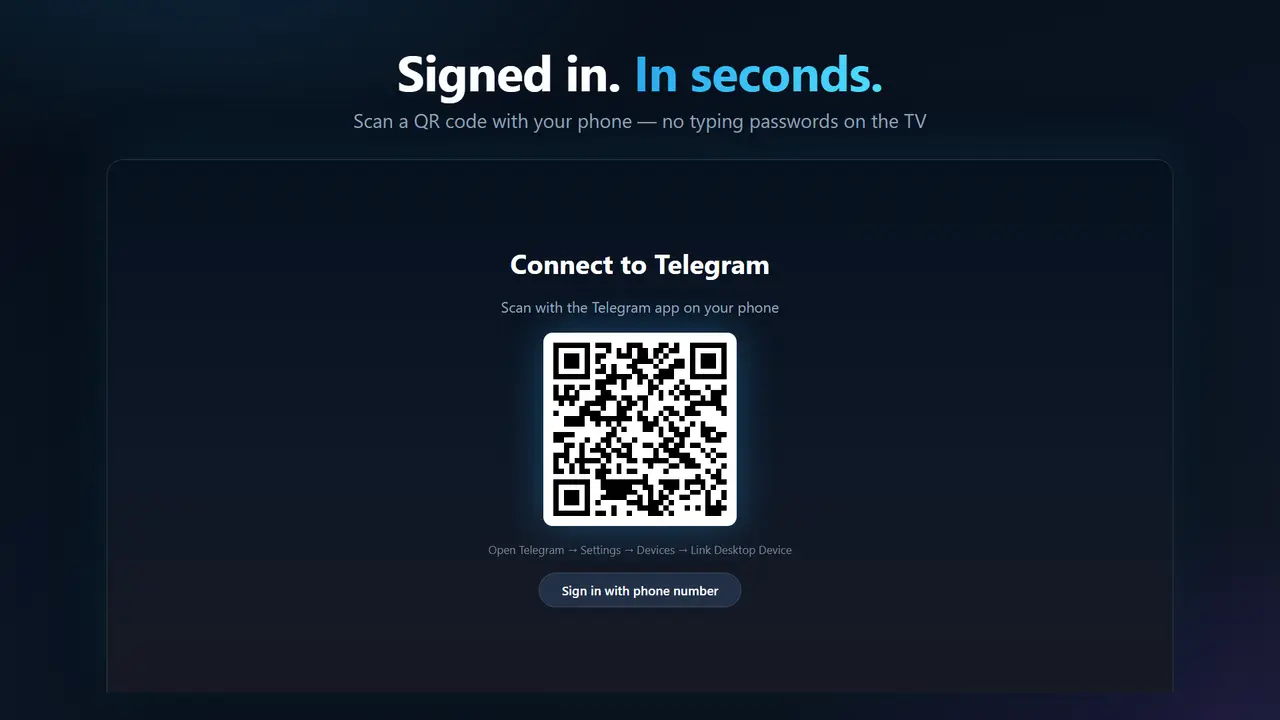
Open TeleV on the TV. A QR code appears on the screen.
- On your phone, open Telegram.
- Go to Settings → Devices → Link Desktop Device (on some versions: Log in on Computer).
- Point the phone's camera at the QR code on the TV.
Step 3: Browse and watch
Your channels and chats appear on the home screen as rows of video cards. Use the arrow keys on the remote to move around and press OK to play.
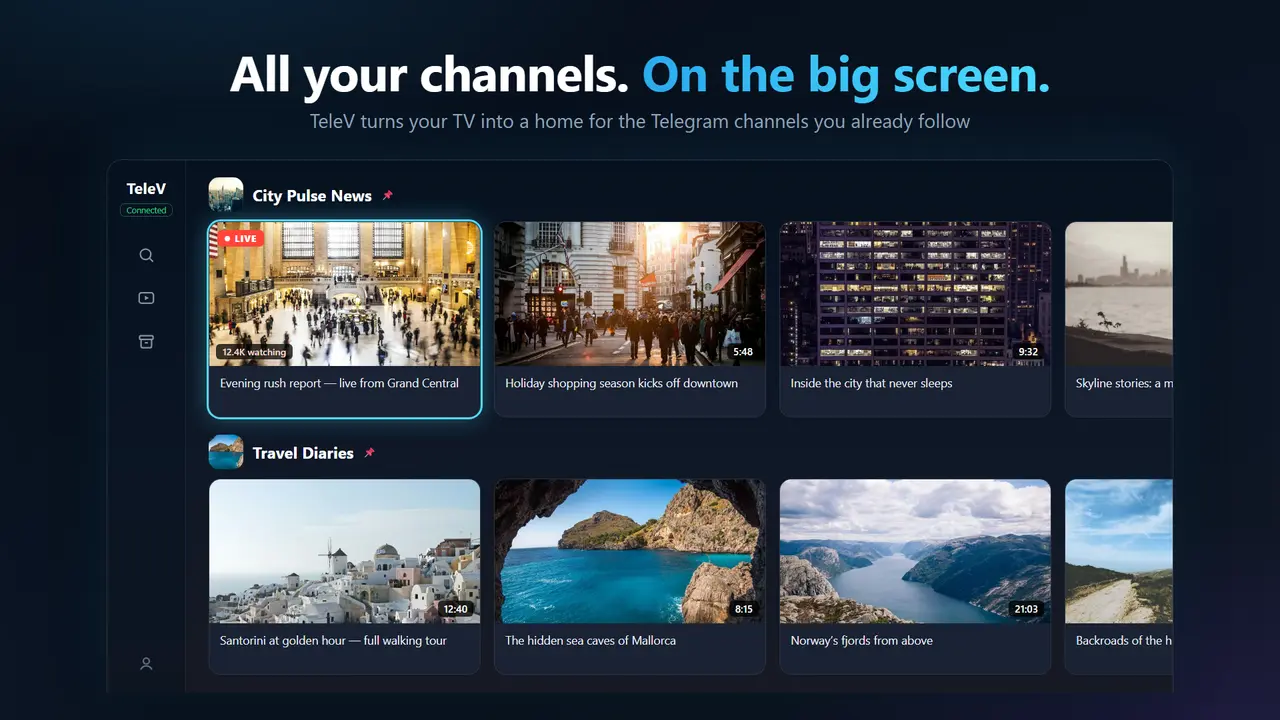
- Favorites: hold OK on a channel to pin it to the top of the home screen.
- Continue watching: videos you didn't finish wait for you in their own row.
- Search: find any public channel and browse its full video history.
- Archive: chats you archived in Telegram have their own screen.
Watching Telegram live streams on TV
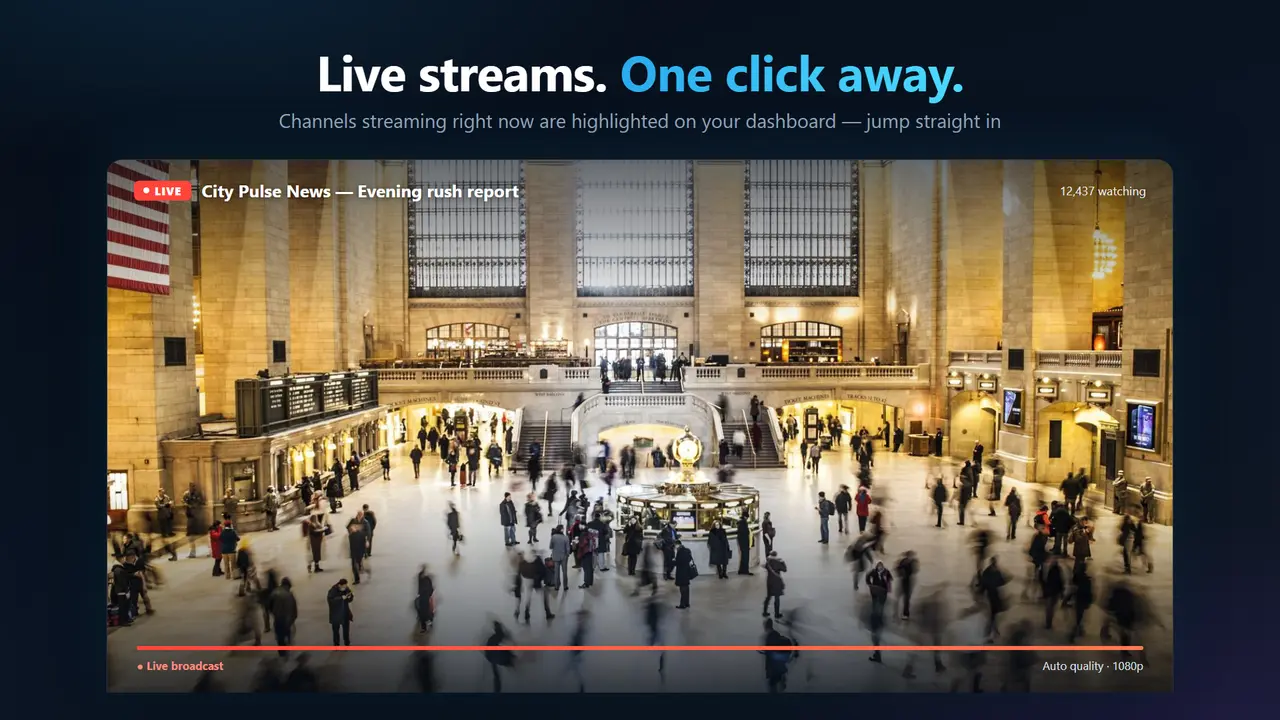
When a channel or group you follow goes live, the live stream shows up with a LIVE badge. Open it to watch in real time. While watching, you can switch to other active live streams with the remote, without going back to the home screen.
Why not just cast from the phone?
Screen mirroring works, but your phone is busy the whole time, the picture often stutters, and the image is sized for a phone, not a TV. Opening Telegram Web in the TV's browser is awkward with a remote and doesn't play live streams. TeleV is a native TV app: it streams video straight from Telegram at full quality, and every screen is designed for the remote.
Troubleshooting
I can't find TeleV in the Play Store on my TV
Make sure the TV runs Android TV or Google TV with Android 8.0 or newer. Other systems (Samsung Tizen, LG webOS, Apple TV) can't run Android apps. On those TVs, a Chromecast with Google TV or a similar Android TV streamer adds TeleV.
The QR code expired
The code refreshes automatically. Wait for a new one to appear and scan again.
How do I sign out?
In TeleV, go to Profile → Log out. You can also end the TV session from any Telegram app on your phone: Settings → Devices.