
How to watch Telegram live streams on your TV
Telegram channels and groups can broadcast live video. With TeleV you can watch those live streams on your Android TV or Google TV in real time, on the big screen, using your remote.
Steps
- Install TeleV from Google Play on your Android TV or Google TV.
- Sign in by scanning the QR code with Telegram on your phone (full setup guide).
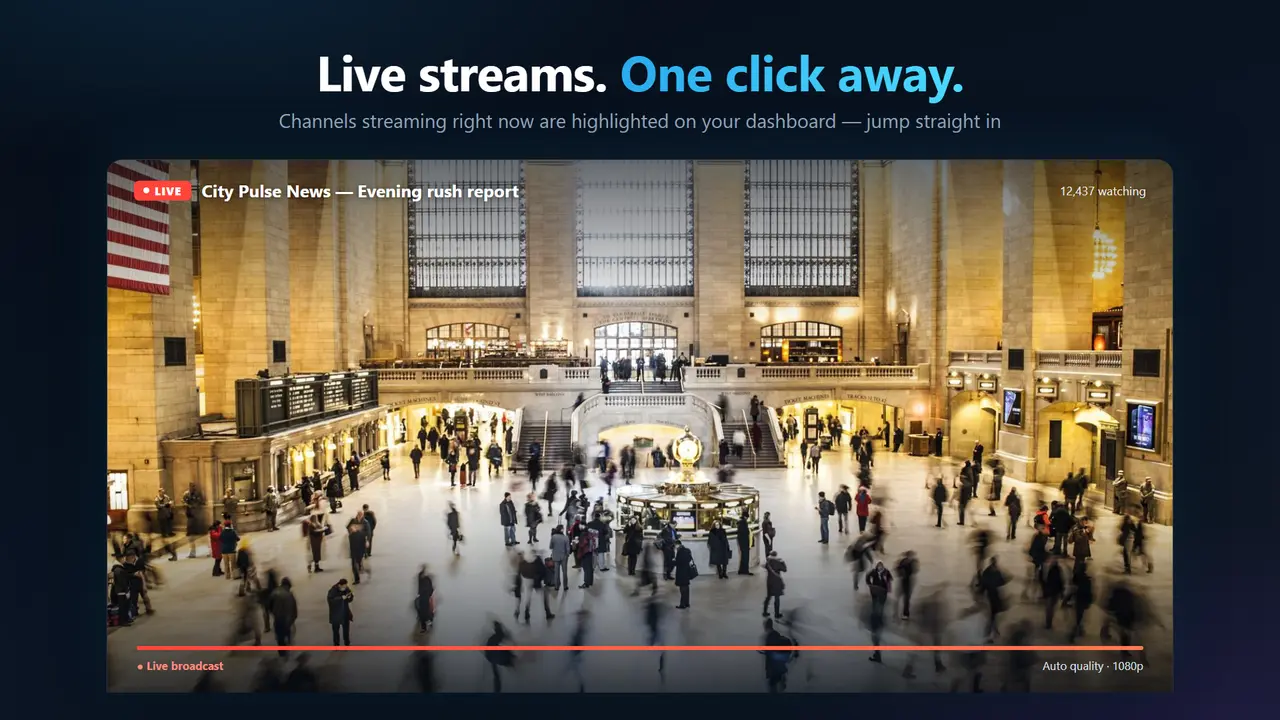
- When a channel or group you follow is live, the broadcast appears with a LIVE badge on the home screen. Open the Live Streams section to see every active broadcast.
- Select a stream and press OK to watch.
- While watching, use the remote to switch to other active live streams without leaving the player.
What you can watch
- Live streams in Telegram channels you follow.
- Video chats broadcast in groups you're a member of.
TeleV joins broadcasts as a viewer only. It never turns on a microphone or camera, and other participants don't hear or see you.
Tips
- Pin channels that go live often as favorites (hold OK on the channel) so they always appear first.
- A wired Ethernet connection or a strong Wi-Fi signal gives the smoothest live picture.
Frequently asked questions
Can I watch Telegram live streams on TV?
Yes. TeleV plays live streams and video chats broadcast in Telegram channels and groups in real time on Android TV and Google TV.
Can people in the live stream see or hear me?
No. TeleV joins live streams as a viewer only and never uses a microphone or camera.
Can I switch between live streams?
Yes. While watching, you can switch to other active live streams with the remote.
Do I need to cast from my phone?
No. TeleV is a native TV app, so the live stream plays directly on the TV and your phone stays free.
Watch Telegram on your TV
TeleV is free on Google Play for Android TV and Google TV.
Get it on Google Play